Stripe toQuickBooks.Automated.
Connect Stripe to QuickBooks in minutes. Accurate, effortless bookkeeping.
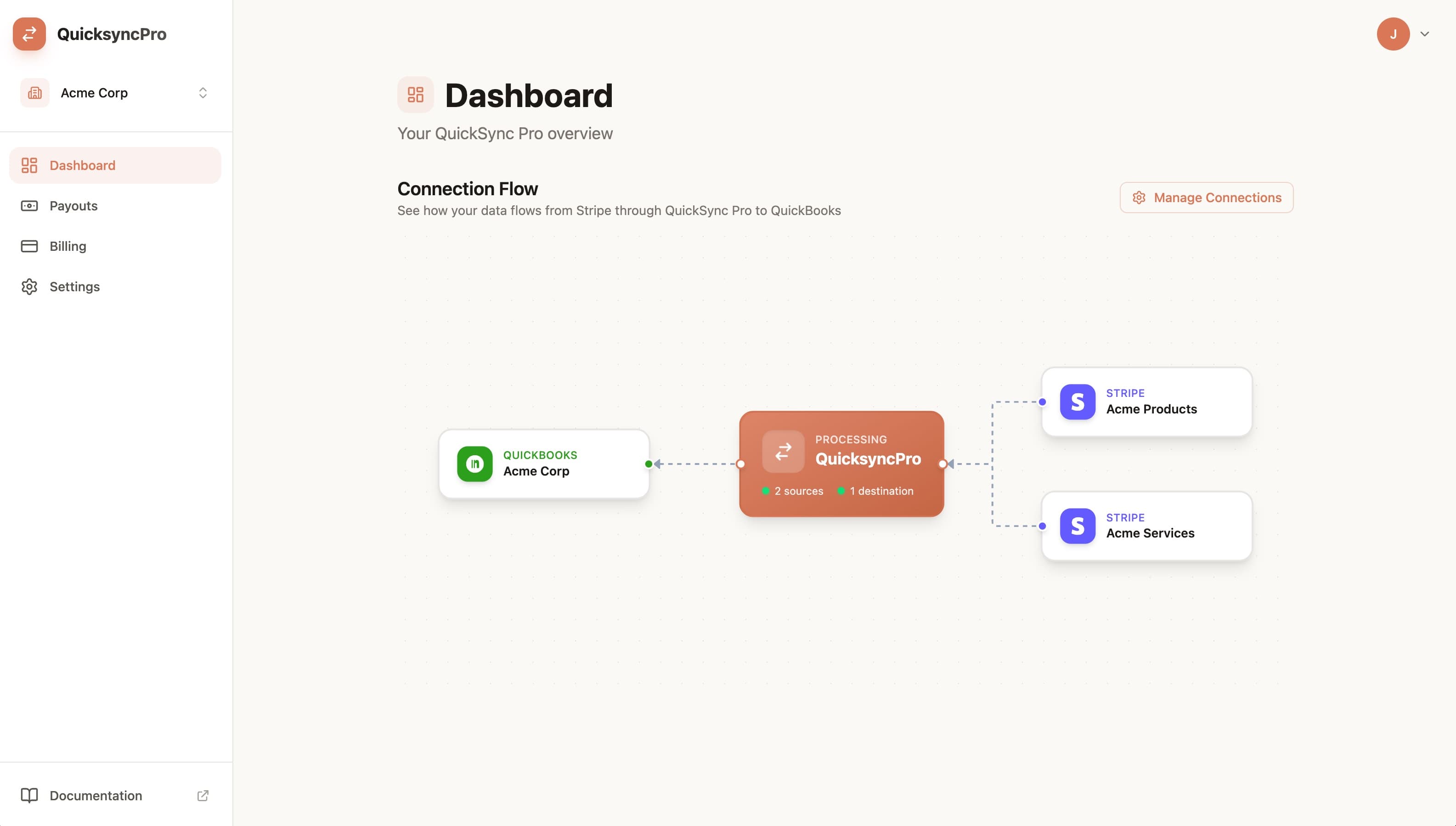
Built for businesses that run on Stripe and keep their books in QuickBooks
The spreadsheet exit plan
From daily Stripe activity to clean books, without the detour.
SyncFast groups activity by accounting day—not payout date—so revenue and costs land in the right reporting period.
Example daily summary
$8,420.35
Set the rules once.
Your custom chart-of-accounts mappings stay consistent from one daily summary to the next.
1 day
One clean summary
Sales, fees, refunds, and disputes stay aligned to the date they occurred.
Three steps, then fewer steps
Connect it once. Keep moving.
Setup is short on purpose. Your books should become easier to run, not another system to manage.
- 01
Connect your accounts
Secure OAuth connections get Stripe and QuickBooks talking in minutes.
No passwords shared
- 02
Map it your way
Choose where sales, fees, refunds, and chargebacks belong in your chart of accounts.
Set once, reuse automatically
- 03
Let the books keep up
SyncFast creates accurate journal entries while you stay focused on the business.
Review whenever you want
The details stay visible
Automation you can still account for.
Move faster without turning your books into a black box. SyncFast keeps each accounting day understandable from source activity to journal entry.
Daily Stripe summaries
Completed-day activity is grouped by accounting date, independent of your payout schedule.
Daily P&L clarity
Keep payment-side revenue and costs aligned to the day they occurred for more accurate reporting.
Refunds and fees included
The awkward parts of reconciliation are accounted for, not left in a spreadsheet.
Secure by design
OAuth connections and encryption protect your credentials and financial data.
Simple pricing
Start free. Scale when you need to.
Choose a monthly transaction allowance that fits now, with room to grow later.
Free
Up to 50 transactions/month
- Stripe sync
- QuickBooks journal entries
- Manual sync only
Starter
Up to 250 transactions/month
- Everything in Free
- Auto daily sync
- Custom mapping rules
- Priority support
Growth
Up to 1k transactions/month
- Everything in Free
- Auto daily sync
- Custom mapping rules
- Priority support
Questions, answered
A clear path to cleaner books.
The details worth knowing before you connect your accounts.
Still wondering about something? Talk to a human
Give your next payout less work to create.
Connect Stripe and QuickBooks in minutes. Your free plan is ready when you are.
Get started